
Subscription tracker for iPhone, Android and the web
All your subscriptions in one list. A reminder before every charge.
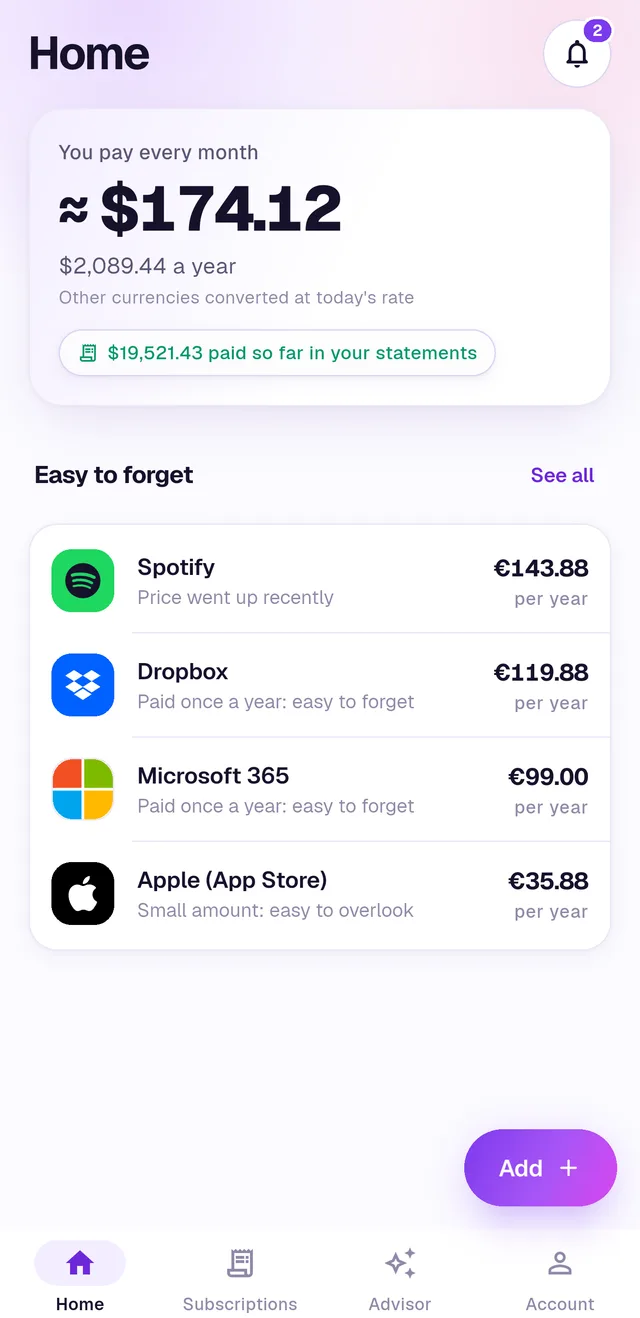
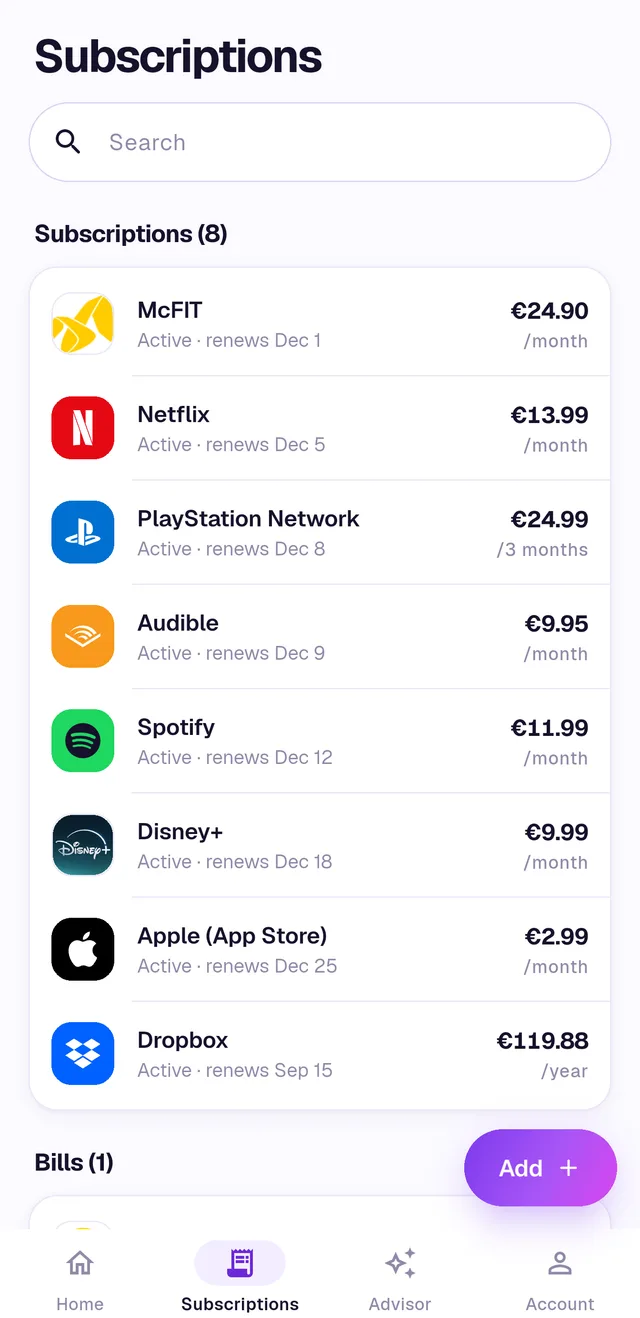
NoMoreSubs finds the subscriptions in your bank statements, shows what you pay every month, and warns you before renewals, free trials and price increases, so you only pay for what you use.
How it works
- 1
Add a bank statement
Upload a PDF, CSV or Excel export from your bank, or share it straight from your bank's app. Step-by-step guides for 100+ banks and payment apps.
- 2
Connect Gmail
Optional and read-only. The app finds receipts, renewals and free trial emails right on your phone, names the apps behind store charges, and saves only the subscriptions it finds.
- 3
Get a reminder before every charge
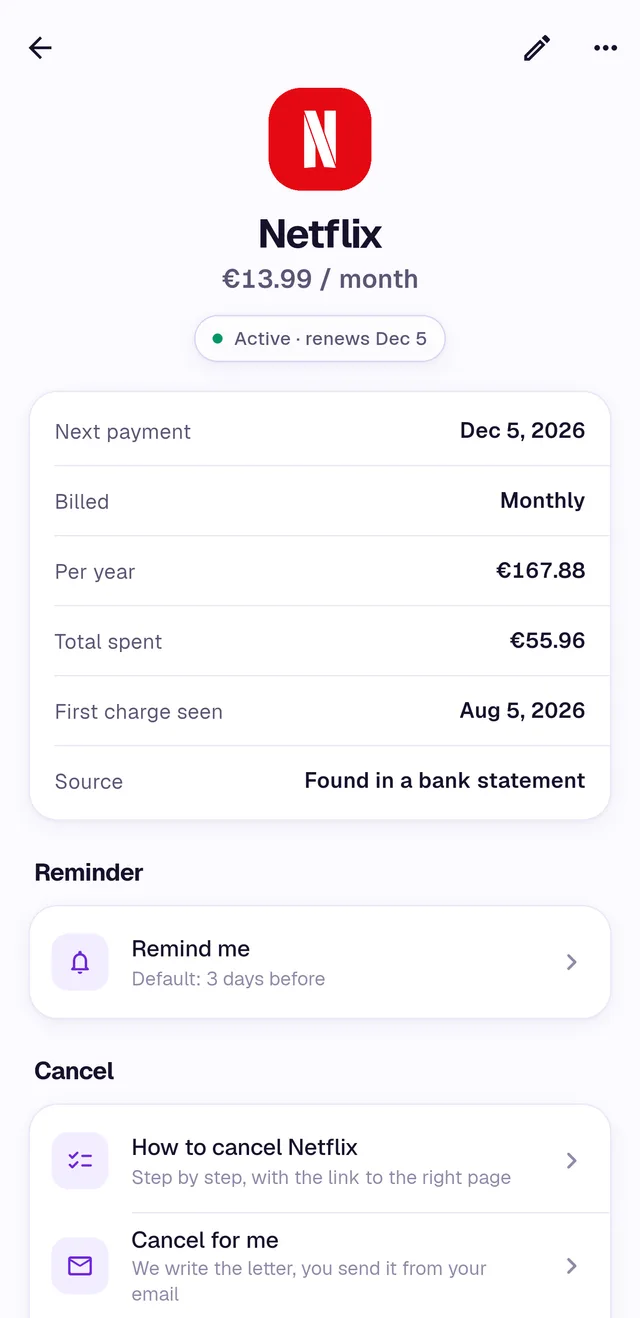
See what you pay each month and each year, catch price increases and trials, and cancel with a step-by-step guide.
What we access and why
NoMoreSubs reads only what it needs to find your subscriptions. Here is all of it.
What we never do
- Sell your data, or share it with data brokers or advertisers.
- Use your statements or emails for advertising.
- Keep your statement files after the scan.
Statements are read by an AI model through providers that keep no copy of them. You can delete your account and all its data in the app at any time: Account → Profile → Delete account.
NoMoreSubs' use and transfer to any other app of information received from Google APIs will adhere to the Google API Services User Data Policy, including the Limited Use requirements. Details are in our Privacy Policy.
See what you really pay for
It takes a couple of minutes with one bank statement.
Coming soon to App Store and Google Play